Resource Centers and In-App Help: Building Self-Service Support
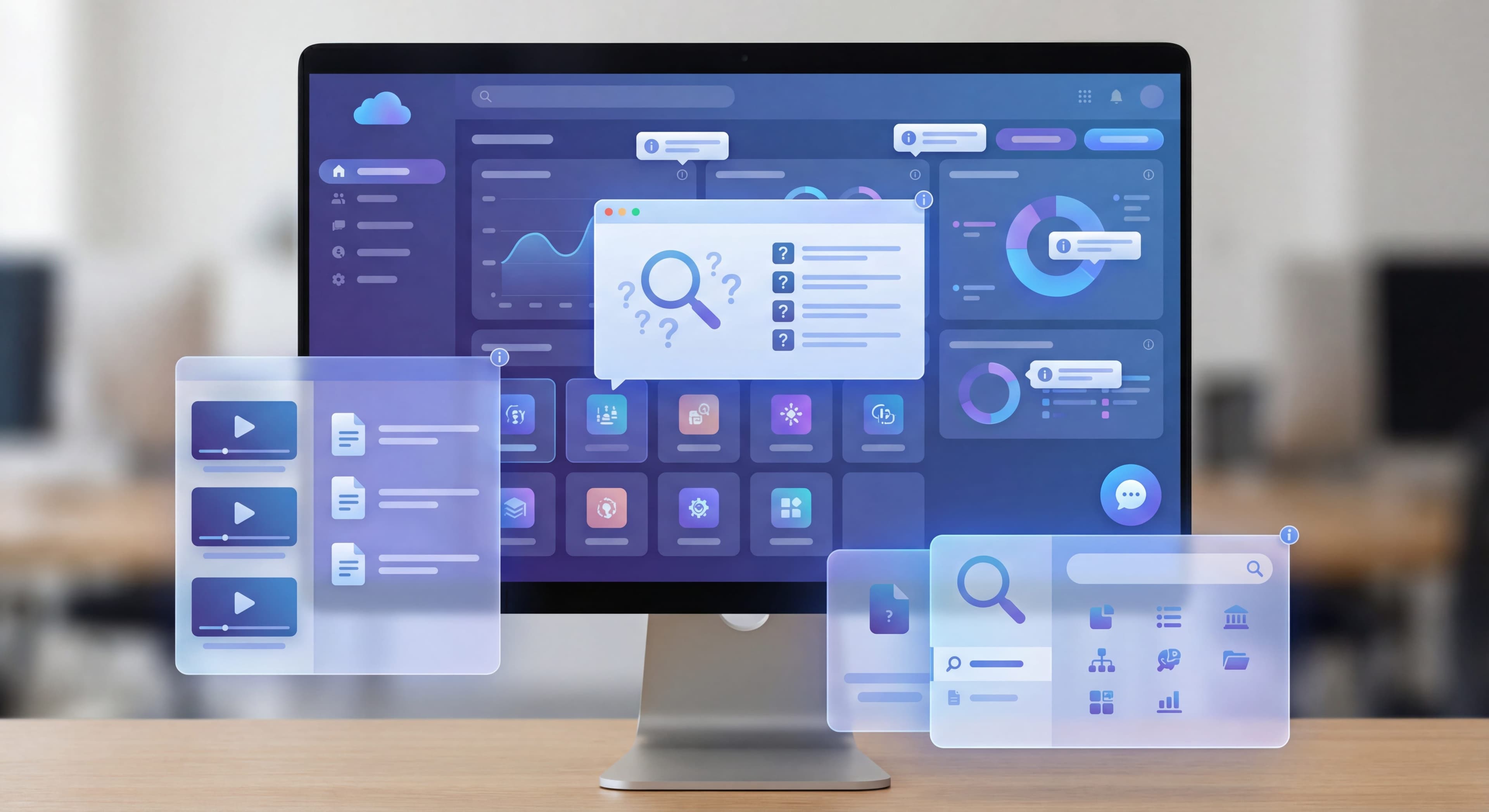

Users don't want to contact support. They want to solve problems themselves and get back to work. Yet most SaaS products force users to leave the application, dig through documentation, and hope they find something relevant.
In-app resource centers flip this model. They bring help directly into the product, available exactly when and where users need it. Done well, they cut support tickets, improve user satisfaction, and speed up feature adoption.
This guide covers how to build resource centers that actually help.
Support tickets piling up?
Create step-by-step guides that let users solve problems without contacting support with Glitter AI.
What is a Resource Center?
A resource center is an in-app help hub that provides users with self-service access to documentation, tutorials, announcements, and support channels—without leaving your product.
Core Components
Knowledge Base Access:
- Searchable articles
- Categorized help content
- Quick answers to common questions
Interactive Guides:
- Product tours
- Feature walkthroughs
- Onboarding checklists
Updates and Announcements:
- New features
- Product updates
- Important notices
Support Access:
- Live chat launcher
- Support ticket creation
- Contact options
Contextual Content:
- Page-specific help
- Feature-related articles
- Relevant tutorials
Why Resource Centers Matter
For Users:
- Immediate answers
- No context switching
- Solve problems without waiting
- Faster task completion
For Your Business:
- Fewer support tickets
- Lower support costs
- Higher user satisfaction
- Better feature adoption
Types of In-App Help
Widget-Based Resource Centers
A launcher icon (usually lower-right) that opens a help panel.
Pros:
- Always accessible
- Familiar pattern
- Non-intrusive
- Rich content support
Cons:
- Can be overlooked
- Takes screen space
- Generic feel if not customized
Best For:
Most SaaS products as primary help access point.
Contextual Help Menus
Help content triggered by specific page context or user actions.
Pros:
- Highly relevant
- Just-in-time help
- Lower cognitive load
Cons:
- Requires more setup
- Can miss edge cases
- Needs ongoing maintenance
Best For:
Complex products with distinct feature areas.
Embedded Help Sections
Help content built directly into the interface.
Pros:
- Impossible to miss
- Seamlessly integrated
- Always visible
Cons:
- Takes permanent space
- Can clutter interface
- Less flexible
Best For:
Onboarding flows, complex features, first-time experiences.
Search-First Help
A search bar that queries help content from anywhere.
Pros:
- Quick access
- Keyboard friendly
- Familiar pattern
Cons:
- Requires good search
- Users must know what to search
- Empty results frustrating
Best For:
Power users, products with extensive documentation.
Content Strategy for Resource Centers
What to Include
Essential Content:
-
Getting Started Guides
- Quick start tutorials
- Core workflow explanations
- First steps for new users
-
Feature Documentation
- How each feature works
- Use case examples
- Tips and best practices
-
Troubleshooting
- Common problems and solutions
- Error message explanations
- Self-service fixes
-
FAQs
- Most common questions
- Quick answers
- Link to detailed content
-
Release Notes
- What's new
- Recent changes
- Upcoming features
Content Formats
Articles:
Written documentation for detailed explanations.
- Structured with headers
- Scannable format
- Screenshots and examples
Videos:
Visual demonstrations for complex workflows.
- Short (under 3 minutes)
- Focused on single topic
- Professional quality
Interactive Guides:
Hands-on walkthroughs users follow along with.
- Step-by-step instructions
- In-app highlighting
- Progress tracking
GIFs:
Quick visual snippets for simple actions.
- Under 10 seconds
- Single concept
- Loops cleanly
Video vs Text
Use Video When:
- Showing complex workflows
- Demonstrating interactions
- Visual context matters
- Step-by-step process
Use Text When:
- Quick reference needed
- Searchability important
- Users scan for specifics
- Updates frequent
Ideal Approach:
Offer both. Lead with video, provide text alternative.
Content Organization
By Task:
Organize around what users want to accomplish.
- "Send your first campaign"
- "Set up team permissions"
- "Export your data"
By Feature:
Organize around product areas.
- "Email builder"
- "Analytics dashboard"
- "Integrations"
By User Type:
Different content for different users.
- Admin guides
- End user guides
- Developer documentation
By Skill Level:
Progressive complexity.
- Getting started
- Intermediate tips
- Advanced techniques
Search and Navigation
Making Help Findable
Effective Search:
- Auto-complete suggestions
- Fuzzy matching
- Synonyms and aliases
- Recent searches
Clear Categories:
- Logical groupings
- Not too many
- Clear labels
- Easy navigation
Smart Defaults:
- Show popular content
- Suggest based on context
- Surface trending topics
Search Best Practices
Index Everything:
- Article titles
- Body content
- Video transcripts
- Metadata
Handle No Results:
- Suggest alternatives
- Offer support contact
- Show popular topics
Track Searches:
- What users search for
- What they can't find
- Zero-result queries
Contextual Help
What is Contextual Help?
Help content that appears based on where the user is or what they're doing—without them searching for it.
Implementation Approaches
Page-Based:
Different help content on different pages.
- Resource center shows relevant articles
- Suggestions match current feature
- Quick links to page-specific help
Element-Based:
Help tied to specific UI elements.
- Help icons on complex fields
- Tooltips on hover
- Info buttons with explanations
Action-Based:
Help triggered by user behavior.
- First time using feature
- Error encountered
- Struggling with task
Examples
Page Context:
On the reporting page, resource center prominently shows:
- "Creating your first report"
- "Understanding report metrics"
- "Scheduling automatic reports"
Element Context:
Next to a complex setting:
[?] What is this setting? →
"Advanced caching controls how often..."
Action Context:
User's report fails to load:
"Having trouble with this report? Here are common solutions..."
Integration with Support
Escalation Paths
Resource centers should seamlessly connect to human support when self-service isn't enough.
Graceful Escalation:
- User searches for help
- Views relevant articles
- Doesn't find answer
- Easy path to contact support
- Context transferred to agent
Chat Integration
Live Chat:
- Launch chat from resource center
- Pass context to agents
- Show availability/wait times
Chatbots:
- Answer common questions
- Triage to right resources
- Escalate to humans when needed
Ticket Creation
In-App Tickets:
- Create support tickets without leaving app
- Pre-fill context (page, account, etc.)
- Attach screenshots
- Track status in-app
Measuring Resource Center Success
Key Metrics
Usage Metrics:
Open Rate:
How often users access the resource center
- Benchmark: 10-20% of users weekly
Search Usage:
How often search is used
- Indicates users know to look for help
Content Views:
Which articles get viewed
- Shows what users need help with
Engagement Metrics:
Article Completion:
Do users read full articles?
- Video completion rate
- Scroll depth
Helpful Ratings:
User feedback on content
- Thumbs up/down
- "Was this helpful?"
Time in Resource Center:
How long users spend
- Too short: not finding answers
- Too long: content not clear
Outcome Metrics:
Support Ticket Deflection:
Reduction in support volume
- Track tickets before/after
- Measure deflection rate
Task Completion:
Do users complete tasks after viewing help?
- Track subsequent actions
- Measure success correlation
User Satisfaction:
Overall satisfaction with help
- Survey feedback
- NPS correlation
Analysis Questions
What are users searching for?
Reveals content gaps and user needs.
What content has high engagement?
Indicates valuable, well-written content.
What content has low ratings?
Needs improvement or rewriting.
Where do users drop off?
Shows confusing or unhelpful content.
What reduces support tickets?
Identifies most effective self-service content.
Building Your Resource Center
Same questions over and over?
Create self-serve documentation that empowers users to help themselves with Glitter AI.
Tool Options
Built into DAPs:
Appcues:
Offers integrated resource center feature on higher tiers.
Userpilot:
Strong resource center with video support and knowledge base.
UserGuiding:
Includes knowledge base in most plans.
Pendo:
Resource center with targeting capabilities.
Dedicated Tools:
Intercom:
Articles + live chat + resource center integration.
Zendesk:
Full help center with in-app widget.
Help Scout:
Beacon widget for in-app help.
Implementation Steps
Phase 1: Foundation
- Audit existing help content
- Identify content gaps
- Choose tool/approach
- Set up basic resource center
Phase 2: Content
- Migrate existing content
- Create missing articles
- Add video where helpful
- Organize and categorize
Phase 3: Context
- Set up page-based targeting
- Add contextual help elements
- Configure search
- Connect to support
Phase 4: Optimization
- Track metrics
- Analyze user behavior
- Improve weak content
- Fill gaps based on search data
Same questions over and over?
Create self-serve documentation that empowers users to help themselves with Glitter AI.
Content Creation Best Practices
Writing Help Articles
Structure:
- Clear, descriptive title
- Brief overview
- Step-by-step instructions
- Visual aids
- Related articles
Tone:
- Friendly but professional
- Action-oriented
- Direct and clear
- Avoid jargon
Format:
- Short paragraphs
- Numbered steps
- Bullet lists
- Headers for scanning
Article Template
# [Task-Oriented Title]

Brief overview of what this article covers
and when you'd need it.

## Prerequisites
What you need before starting:
- Item 1
- Item 2

## Steps

### Step 1: [Action]
Explanation of what to do.

![Screenshot description]

### Step 2: [Action]
Explanation of what to do.

## Troubleshooting
Common issues and solutions.

## Related Articles
- Related topic 1
- Related topic 2
Creating Helpful Videos
Planning:
- Script before recording
- One topic per video
- Under 3 minutes
Recording:
- Clean interface
- Logical flow
- Voice narration
Editing:
- Remove mistakes
- Add callouts
- Include captions
Maintaining Content
Regular Reviews:
- Monthly accuracy checks
- Update screenshots after UI changes
- Refresh outdated information
Triggered Updates:
- Feature changes
- User feedback
- Support ticket patterns
Content Calendar:
- New feature documentation
- Seasonal updates
- Improvement cycles
Common Resource Center Mistakes
Mistake 1: Hard to Find
Problem: Resource center icon is invisible or unclear
Result: Users don't know help exists
Fix: Clear launcher, consistent location, onboarding mention
Mistake 2: Poor Search
Problem: Search returns irrelevant results
Result: Users give up and contact support
Fix: Invest in search quality, add synonyms, track failed searches
Mistake 3: Outdated Content
Problem: Articles don't match current product
Result: Users follow wrong instructions
Fix: Update process, regular audits, version control
Mistake 4: Text Walls
Problem: Long, unformatted paragraphs
Result: Users can't find the answer they need
Fix: Headers, bullets, scannable format
Mistake 5: No Contextual Relevance
Problem: Same content everywhere
Result: Users wade through irrelevant help
Fix: Page-based targeting, smart defaults
Mistake 6: Dead Ends
Problem: No path to support when self-service fails
Result: User frustration
Fix: Clear escalation paths, easy support access
The ROI of Resource Centers
Support Cost Reduction
Example Calculation:
- Support ticket cost: $15 average
- Monthly tickets: 500
- Resource center deflection: 30%
- Monthly savings: 150 × $15 = $2,250
- Annual savings: $27,000
User Satisfaction Impact
Users who can self-serve report:
- Higher satisfaction scores
- Better product perception
- Lower churn likelihood
Adoption Impact
Good help resources correlate with:
- Faster feature adoption
- Better activation rates
- Higher engagement
Team drowning in how-to questions?
Build step-by-step SOPs that turn tribal knowledge into self-serve resources with Glitter AI.
The Bottom Line
Resource centers shift support from reactive to proactive. Instead of waiting for users to get stuck and contact support, you're anticipating their needs and providing answers before they ask.
Key Principles:
- Make help findable
- Create genuinely useful content
- Provide context-aware suggestions
- Offer clear escalation paths
- Measure and improve continuously
The best resource center is one users don't even notice. They just find answers instantly and keep working. That's the standard to aim for.
Continue learning: Tooltips and Hotspots Guide and Self-Service Support Strategies.
Frequently Asked Questions
What is an in-app resource center and what should it include?
An in-app resource center is a help hub that provides users self-service access to documentation, tutorials, announcements, and support channels without leaving your product. Core components include searchable knowledge base articles, interactive guides and product tours, feature updates and announcements, live chat and support ticket access, and contextual page-specific help.
How do in-app resource centers reduce support costs?
Resource centers enable users to solve problems independently instead of contacting support. With a typical support ticket costing around $15 and resource centers achieving 30% deflection rates, a company handling 500 monthly tickets could save approximately $27,000 annually. Users also report higher satisfaction when they can self-serve.
What content formats work best for self-service support?
Use articles with clear structure, headers, and screenshots for detailed explanations and quick reference. Videos under 3 minutes work best for complex workflows and visual demonstrations. Interactive guides provide hands-on walkthroughs. GIFs under 10 seconds show simple actions. Ideally offer both video and text, leading with video and providing text alternatives.
How do you implement contextual help in a product knowledge base?
Implement page-based contextual help showing relevant articles based on the current page. Add element-based help with tooltips and info icons on complex fields. Use action-based triggers to surface help when users encounter errors or struggle with tasks. This ensures users see the most relevant help content without searching.
How do you measure resource center effectiveness?
Track usage metrics like open rate (benchmark 10-20% of users weekly), search usage, and content views. Monitor engagement through article completion, helpful ratings, and time spent. Measure outcomes including support ticket deflection, task completion after viewing help, and user satisfaction scores. Analyze what users search for to identify content gaps.