Onboarding for Integrations: Connecting Your Product to Others
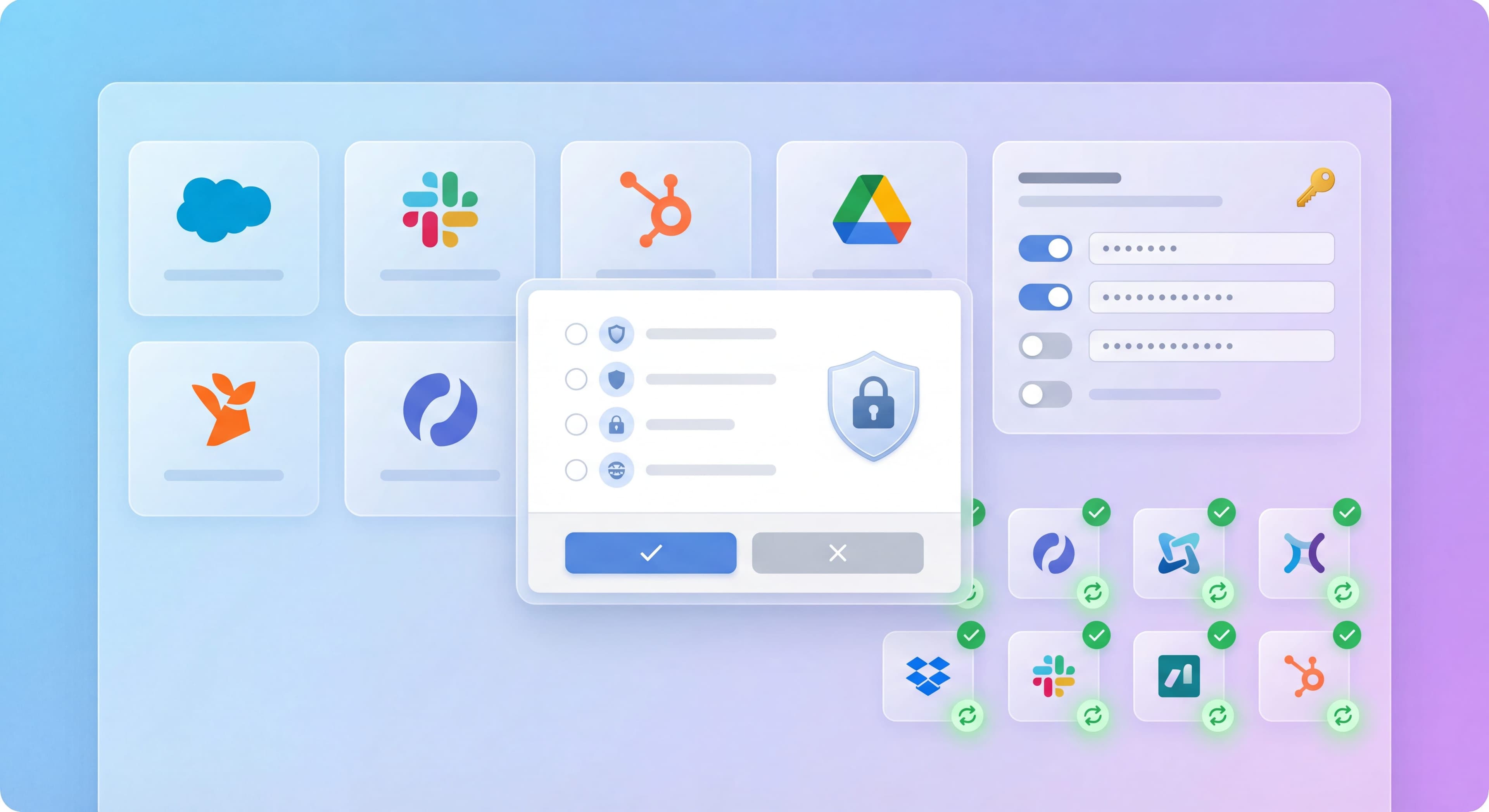

Integrations are increasingly where product value lives. Users don't want standalone tools. They want connected ecosystems. But integration onboarding is also where things get complicated: OAuth flows confuse users, data sync is invisible, and the value of connecting isn't always obvious.
Here's how to onboard users through the integration connection process successfully.
Integration setup confusing?
Create step-by-step guides that walk users through connecting integrations with Glitter AI.
Why Integration Onboarding Matters
The Integration Imperative
User Expectations:
- Products should work together
- Data should flow automatically
- Setup should be simple
Business Value:
- Integrations increase stickiness
- Connected users churn less
- Expansion opportunities grow
The Challenge
Integration Friction:
- OAuth flows are confusing
- Permissions are scary
- Setup requires decisions
- Value isn't immediate
Common Failure:
User starts integration → Gets confused → Abandons → Never gets full value
The Stakes
For Products:
- Integrations often define activation
- Unconnected users see limited value
- Integration failure → product failure
Integration Discovery
Making Integrations Findable
Where to Surface:
-
Dedicated Integrations Page:
Browse all available integrations. -
Contextual Discovery:
"Connect [X] to import your data" where relevant. -
Setup Flow:
Part of onboarding: "Connect your tools" -
Empty States:
"No data yet—connect [X] to sync automatically"
Integration Catalog Design
Effective Catalog:
┌─────────────────────────────────────┐
│ 🔍 Search integrations              │
├─────────────────────────────────────┤
│ Categories:                         │
│ [All] [CRM] [Analytics] [Storage]   │
├─────────────────────────────────────┤
│ ┌──────────┐ ┌──────────┐           │
│ │ Salesforce│ │HubSpot   │           │
│ │ [Popular] │ │          │           │
│ │[Connect] │ │[Connect] │           │
│ └──────────┘ └──────────┘           │
│                                     │
│ ┌──────────┐ ┌──────────┐           │
│ │ Slack    │ │ Zapier   │           │
│ │          │ │          │           │
│ │[Connect] │ │[Connect] │           │
│ └──────────┘ └──────────┘           │
└─────────────────────────────────────┘
Each Integration Card Shows:
- Logo/brand recognition
- One-line value prop
- Popularity indicator
- Setup complexity hint
- Connect button
Contextual Prompts
When to Prompt:
At Relevant Moment:
"Import contacts from Salesforce" on contacts page.
At Setup:
"Connect your CRM to get started" during onboarding.
On Need:
"No analytics data—connect Mixpanel to see insights"
Pre-Connection Education
Setting Expectations
Before User Clicks Connect:
-
What It Does:
"Syncs your Salesforce contacts to [Product]" -
What's Required:
"You'll need admin access to Salesforce" -
What Happens:
"We'll import contacts and keep them updated" -
Time Estimate:
"Setup takes ~2 minutes, initial sync ~5 minutes"
Integration Detail Page
┌─────────────────────────────────────┐
│ [Salesforce Logo]                   │
│ Salesforce Integration              │
│                                     │
│ What you'll get:                    │
│ ✓ Auto-sync contacts and accounts   │
│ ✓ Activity tracking in Salesforce   │
│ ✓ Deal updates in real-time         │
│                                     │
│ Requirements:                       │
│ • Salesforce admin access           │
│ • API access enabled                │
│                                     │
│ Setup time: ~2 minutes              │
│ Initial sync: ~5 minutes            │
│                                     │
│ [Connect Salesforce]                │
│                                     │
│ [View documentation]                │
│ [See video walkthrough]             │
└─────────────────────────────────────┘
OAuth Flow Handling
The OAuth Challenge
User Experience:
- Click Connect
- Redirected to third-party site
- See scary permissions screen
- Approve (or get scared and leave)
- Redirected back
- ???
Problems:
- Context loss during redirect
- Permissions seem excessive
- Users don't understand what's happening
- Failures are confusing
Best Practices
Before OAuth Redirect:
You're about to connect to Salesforce.

What we'll request access to:
• Read your contacts and accounts
• Write activity data

Why we need this:
• Sync contacts: So your data is always current
• Write activity: So your team sees [Product] actions

[Proceed to Salesforce Login]
[Cancel]
Modal Explanation:
┌─────────────────────────────────────┐
│ 🔗 Connecting to Salesforce         │
│                                     │
│ You'll be redirected to Salesforce  │
│ to authorize the connection.        │
│                                     │
│ We're requesting:                   │
│ • api (access your data)            │
│   → So we can sync contacts         │
│ • write_activities                  │
│   → So we can log actions           │
│                                     │
│ We will NEVER:                      │
│ • Delete your Salesforce data       │
│ • Access billing information        │
│ • Share your data                   │
│                                     │
│ [Continue to Salesforce] [Cancel]   │
└─────────────────────────────────────┘
After Return:
- [x] Successfully connected to Salesforce!

Next steps:
1. Select which objects to sync
2. Configure sync settings
3. Start your first sync

[Configure Integration]
Error Handling
Common Errors:
User Denied Permission:
Connection canceled.
You declined the permissions request.

The integration requires these permissions to work.
[Try Again] [Learn Why We Need These]
Technical Error:
Connection failed.
Something went wrong connecting to Salesforce.

Error: Invalid authentication response

[Try Again] [Contact Support]
Missing Permissions:
Additional access needed.
Your Salesforce account doesn't have API access enabled.

To fix this:
1. Contact your Salesforce admin
2. Request API access for your user
3. Try connecting again

[Learn More] [Try Again]
Users stuck on OAuth?
Document your integration flows once and help users self-serve through complex setups with Glitter AI.
Post-Connection Onboarding
Configuration Steps
After OAuth, Users Often Need To:
- Select What to Sync:
What would you like to sync?
[x] Contacts
[x] Accounts
[ ] Opportunities
[ ] Custom objects
- Configure Mapping:
Map your Salesforce fields:
Salesforce Email → [Product] Email
Salesforce Company → [Product] Organization
[Auto-map] [Manual mapping]
- Set Sync Direction:
How should data flow?
( ) Salesforce → [Product] (one-way)
( ) [Product] → Salesforce (one-way)
(x) Both ways (two-way sync)
- Choose Frequency:
How often to sync?
(x) Real-time
( ) Every hour
( ) Daily
Initial Sync Experience
During First Sync:
Syncing your Salesforce data...

Importing:
[████████████░░░░░░] 65%
1,500 of 2,300 contacts

This may take a few minutes for large datasets.
You can leave this page—we'll notify you when done.

[Running in background...]
Sync Complete:
- [x] Initial sync complete!

Synced:
• 2,300 contacts
• 450 accounts
• 89 opportunities

Your Salesforce data is now in [Product].

[View Imported Data] [Configure More]
Showing Value Quickly
Immediate Value Demonstration:
After integration connects, show the impact:
Your Salesforce data is now powering [Product]:

📊 2,300 contacts enriched
📈 Engagement scores calculated
🎯 5 high-priority leads identified

[See Your New Insights]
Integration-Specific Flows
CRM Integration (Salesforce, HubSpot)
Key Considerations:
- Large data volumes
- Complex object relationships
- Field mapping critical
- Bidirectional sync common
Onboarding Flow:
- Connect account
- Select objects to sync
- Map fields
- Configure sync rules
- Initial import
- Show enriched data
Communication (Slack, Teams)
Key Considerations:
- Channel/workspace selection
- Notification configuration
- Permission scoping
Onboarding Flow:
- Connect workspace
- Select channel
- Configure notifications
- Send test message
- Confirm working
Analytics (Segment, Mixpanel)
Key Considerations:
- Event selection
- Data transformation
- Privacy considerations
Onboarding Flow:
- Connect account
- Select events to send
- Configure properties
- Verify data flowing
- Show in analytics
File Storage (Google Drive, Dropbox)
Key Considerations:
- Folder selection
- Sync direction
- Conflict handling
Onboarding Flow:
- Connect account
- Select folders
- Choose sync behavior
- Initial sync
- Show synced files
Knowledge stuck in silos?
Create step-by-step guides that share expertise across your entire team with Glitter AI.
Troubleshooting Integrations
Common Issues
Connection Failed:
- Expired tokens
- Permission changes
- Service outages
- Rate limits
Sync Issues:
- Data conflicts
- Mapping errors
- Missing required fields
- Volume limits
Ongoing Problems:
- Drift over time
- Changed credentials
- New data patterns
In-App Troubleshooting
Health Status:
Salesforce Integration

Status: ⚠️ Warning
Last sync: 2 hours ago
Issue: 15 contacts failed to sync

[View Details] [Re-sync] [Get Help]
Error Details:
Sync Errors (15)

Contact: john@example.com
Error: Required field missing (Industry)
Action: [Fix in Salesforce] [Skip]

Contact: jane@example.com
Error: Duplicate record
Action: [Merge] [Skip]

[Fix All] [Export Error Report]
Measuring Integration Success
Key Metrics
Connection:
- Integration connection rate
- Time to connect
- OAuth completion rate
- Connection abandonment points
Usage:
- Integration active rate
- Sync frequency
- Data volume
- Feature usage from integration
Value:
- Retention with vs without integration
- Activation rate with integration
- NPS by integration status
Integration Funnel
Visited integrations page: 1,000
Clicked Connect: 400 (40%)
Completed OAuth: 280 (70% of clicks)
Configured integration: 220 (79%)
Successful first sync: 200 (91%)
Still active (30 days): 160 (80%)
Knowledge stuck in silos?
Create step-by-step guides that share expertise across your entire team with Glitter AI.
The Bottom Line
Integration onboarding is product onboarding. For many users, connecting integrations IS the activation moment. It's when your product becomes valuable. Getting this right means treating integration flows with the same care as your core onboarding.
Key Principles:
- Make integrations discoverable
- Educate before OAuth
- Handle errors gracefully
- Guide through configuration
- Show value immediately after connection
The best integration onboarding makes connecting feel easy and valuable, not scary and complicated.
Continue learning: Integrating Onboarding Analytics and Implementing Your First Tour.
Frequently Asked Questions
How do you onboard users through OAuth integration flows?
Before the OAuth redirect, explain what permissions you are requesting and why. Use a pre-OAuth modal to set expectations, show exactly what data you will access, and clarify what you will never do. After return, confirm success and guide users through configuration steps.
Why is integration onboarding important for product activation?
Integrations often define the activation moment because connecting tools is when your product becomes valuable. Users who connect integrations churn less and see more value. Integration failure frequently leads to product failure.
How should you handle integration errors during onboarding?
Provide clear, specific error messages that explain what went wrong and offer actionable solutions. For permission denials, explain why permissions are needed. For technical errors, offer retry options and support contacts. For missing access, provide step-by-step remediation guides.
What should an integration configuration flow include?
After OAuth connection, guide users to select what data to sync, configure field mapping between systems, set sync direction (one-way or two-way), choose sync frequency, and show progress during initial data import with clear completion confirmation.
How do you measure integration onboarding success?
Track the integration funnel including connection rate, OAuth completion rate, configuration completion, first sync success, and 30-day active rate. Also measure the correlation between integration status and user retention, activation rate, and NPS scores.