The Ultimate Guide to SaaS User Onboarding in 2025
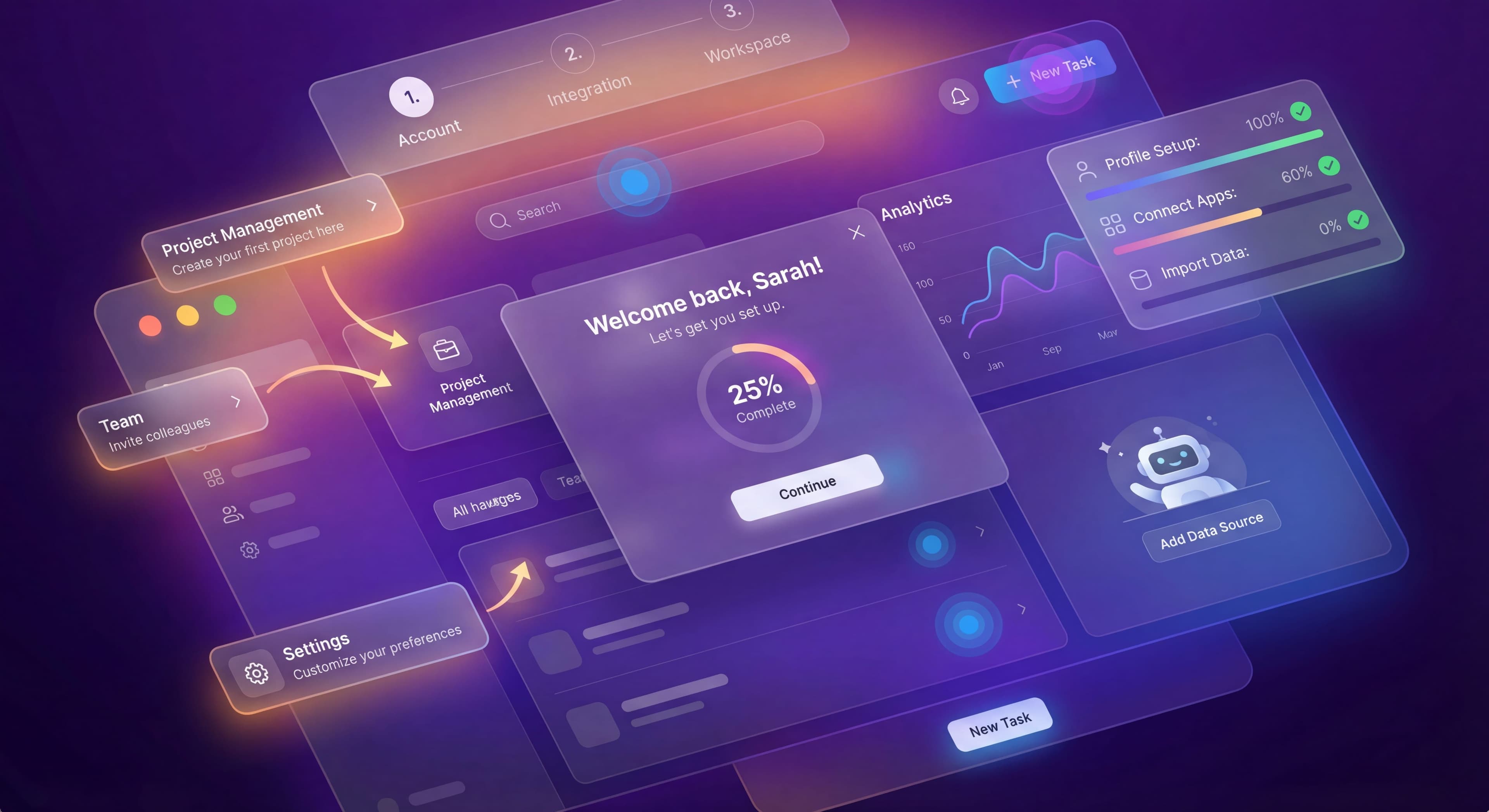

SaaS user onboarding is probably the biggest factor in whether new users become paying customers or join the 40-60% who never come back after their first session. In 2025, with more competition and higher customer acquisition costs, getting onboarding right isn't optional. It's how you survive.
This user onboarding guide covers what product managers actually need to know about building onboarding experiences that convert.
What is User Onboarding?
User onboarding is how you guide new users from signup to becoming engaged, successful customers who understand and actually use your product's core value. It includes everything from the first welcome screen to the moment users achieve their first meaningful outcome.
Good onboarding isn't about showing users every feature. It's about helping them solve their specific problem as fast as possible.
The Goal of Onboarding
The main goal? Reducing Time to Value (TTV). That's the time between signup and when users experience the core benefit of your product. Every moment of confusion or friction extends TTV and increases the chance they'll leave.
Other goals include:
- Teaching users enough to be self-sufficient
- Setting expectations for the product relationship
- Collecting information to personalize experiences
- Building habits that lead to retention
Why Onboarding Matters More Than Ever
The data paints a pretty grim picture. According to onboarding statistics from UserGuiding, users who don't engage within the first 3 days have a 90% chance of churning. And 80% of users have uninstalled an app because they couldn't figure out how to use it. The average SaaS activation rate sits at just 37.5%, which means nearly two-thirds of signups never reach a meaningful milestone. When deciding to subscribe or buy, 63% of customers consider the onboarding period. First impressions really matter.
Research from Custify's onboarding statistics shows that the SaaS user onboarding experience influences roughly 75% of churn risk. It's one of the biggest factors in customer retention. This isn't just about losing individual users. It represents massive waste in customer acquisition spending and lost revenue from customers who never experience what your product can actually do.
The Cost of Poor Onboarding
Poor onboarding doesn't just lose users. It wrecks your unit economics. If you're spending $200 to acquire a user who churns in the first week because they couldn't figure out your product, you've basically set that money on fire. Good onboarding can double or triple your effective CAC efficiency by making sure acquired users actually activate, experience value, and convert to paying customers. The math is harsh: with a 37.5% activation rate, you're paying for 2.67 users to get one activated user. Bump that to 60% activation and you're paying for 1.67 users per activation. That's a 60% improvement in CAC efficiency without spending another dollar on marketing.
Poor onboarding also creates cascading support costs. According to SaaS implementation statistics, SaaS companies with video onboarding see 35% fewer support tickets in the first month. Users who don't understand your product will either leave quietly or flood your support team with questions. Both cost money. The hidden cost shows up in support ticket volume, longer sales cycles as prospects struggle with trials, negative reviews about complexity, and fewer referrals since frustrated users definitely won't recommend your product.
The Competitive Advantage
Products with great new user onboarding create real competitive moats that go beyond feature parity. Users who successfully activate develop habits through repeated successful interactions, learn workflows that become muscle memory, and integrate your product into their daily routines. Research shows 86% of customers are more likely to stay loyal if they have access to educational and welcoming onboarding content after purchasing. These switching costs build up quietly. Users might admit a competitor has similar or even better features, but the inertia of learned behavior, established workflows, and invested time keeps them from leaving.
This advantage compounds over time. Your best-onboarded customers become advocates, driving word-of-mouth acquisition that costs you nothing. They expand into additional features and higher-tier plans because they've already succeeded with your product. They give useful feedback because they understand your product well enough to suggest real improvements. Competitors with similar features struggle to displace products users already know how to use. That's behavioral lock-in, and it's far more powerful than contractual lock-in.
Key Components of Effective Onboarding
1. Welcome Experience
The first screen after signup sets the tone. It should:
- Acknowledge the user's goal or problem
- Set expectations for what comes next
- Feel personal, not generic
- Create momentum toward first action
Don't overwhelm new users with feature tours. They signed up to solve a problem, not to learn software.
2. Setup and Configuration
Many products require initial setup: integrations, preferences, team invites. This phase is risky because it's friction before value.
What works for setup:
- Make clear why each step matters
- Allow skipping when possible
- Show progress (step 2 of 4)
- Provide smart defaults
- Celebrate completion
3. First Value Moment
This is when users first experience your product's core benefit. For Slack, it's sending a message and getting a response. For Canva, it's creating their first design. For analytics tools, it's seeing their first insight.
Everything in onboarding should push users toward this moment.
4. Activation Milestone
Activation is the behavioral indicator that predicts long-term retention. It's usually a series of actions, not just one:
- Facebook: 7 friends in 10 days
- Slack: 2,000 messages sent
- Dropbox: File saved to multiple devices
Figure out your activation milestone through data analysis and build onboarding to drive users toward it.
5. Ongoing Education
Onboarding doesn't end at activation. Successful products reveal complexity progressively, showing advanced features as users demonstrate readiness.
Step-by-Step Implementation Guide
Phase 1: Research and Planning (Week 1-2)
Analyze Current State
- What's your current activation rate?
- Where do users drop off?
- What do successful users do differently?
- What questions does support answer over and over?
Define Success Metrics
- Primary: Activation rate improvement target
- Secondary: Time to activation, completion rates, support ticket reduction
Map the Journey
- What problem brought users to your product?
- What's the shortest path to value?
- What must users understand now vs. what can wait?
Phase 2: Design (Week 2-3)
Welcome Flow Design
- Write welcome screen copy
- Design role/use case selection (if needed)
- Plan setup wizard steps
- Create empty state designs
In-App Guidance Design
- Identify key actions that need guidance
- Design tooltips, tours, or checklists
- Write clear, action-oriented copy
- Plan targeting and triggers
Phase 3: Build and Test (Week 3-4)
Implementation
- Install onboarding tool or build custom
- Create all guidance elements
- Set up analytics tracking
- Configure targeting rules
Testing
- Internal testing with fresh accounts
- User testing with real prospects
- Check all edge cases
- Verify analytics capture
Phase 4: Launch and Iterate
Soft Launch
- Roll out to a percentage of new users
- Monitor metrics closely
- Collect qualitative feedback
- Fix issues quickly
Full Launch
- Expand to all new users
- Continue monitoring
- Begin optimization experiments
Common Onboarding Mistakes to Avoid
1. Information Overload
Showing users everything at once creates cognitive overload. They'll remember nothing and feel overwhelmed. According to UserGuiding's SaaS onboarding best practices, 75% of users abandon a product if they can't figure out how to use it within a week. The human brain can only process so much at once, and bombarding new users with feature explanations, settings, and use case examples all at the same time exceeds that capacity. Instead, reveal features progressively as users show they're ready, saving advanced capabilities until after users have nailed the basics.
2. Feature Tours Without Context
Generic product tours that just point out interface locations ("Here's the dashboard. Here's settings. Here's reports.") teach product geography without teaching problem-solving. Users don't care where features live. They care about getting things done. Research from the 2025 Onboarding Report surveying 500 SaaS users found that 67% say interactive guided tours help them understand a product's value faster, but only when those tours focus on completing actual tasks rather than passively showing interface elements. Focus guidance on actions users want to take, not locations to visit. Frame each step around user goals rather than product features.
3. One-Size-Fits-All Flows
A marketing manager and a data analyst using the same analytics platform have completely different needs, workflows, and prior knowledge. Treating them identically wastes the marketer's time on SQL queries while confusing the analyst with campaign terminology. Segmentation research shows 82% of users expect onboarding tailored to their role, goals, and use case. Segment users by role, use case, company size, or technical skill and tailor experiences accordingly. Show each user the features and workflows most relevant to their situation.
4. Long Product Tours
Data from onboarding completion studies shows that 3-step tours achieve 72% completion rates while 7-step tours drop to just 16%. According to SaaS onboarding trends, apps with gamification elements like badges and progress bars see 50% higher completion rates, and products with guided tours onboard users 2x faster, but only when those tours stay short. Users have limited patience for being walked through features before they can actually use the product. Keep tours brief and focused on immediate value. Use contextual guidance triggered at relevant moments to teach advanced features after users have had initial success.
5. Ignoring Empty States
When users first access your product, dashboards show no data, lists are empty, and workspaces feel barren. These empty states are either wasted opportunities or powerful motivators depending on how you handle them. Research shows 65% of users rely on knowledge bases and FAQs during onboarding, but empty states can guide users before they need to seek help. Use empty states to push users toward populating their workspace. Show how to import data, create their first project, or invite teammates rather than displaying blank screens that leave users feeling lost.
6. No Progress Indicators
Users in multi-step processes get anxious when they don't know how much more is required. Behavioral economics research shows progress indicators reduce abandonment by making the investment feel manageable and by tapping into the Zeigarnik effect, which is people's tendency to remember incomplete tasks better than completed ones. Progress bars and step counts ("Step 2 of 4") reduce abandonment by showing users they're making progress and the end is in sight. Without these indicators, users often abandon multi-step flows because they fear getting stuck in an endless process.
7. Mandatory Completion
Forcing users through training before letting them use your product creates resentment and triggers reactance, which is when people resist because they feel their autonomy is threatened. User behavior research shows that products allowing users to skip onboarding and come back later see higher overall completion rates because users engage on their own terms when they're ready. Trust users to know what they need, provide clear ways to access onboarding help later, and make only essential setup steps mandatory.
Measuring Onboarding Success
Primary Metrics
Activation Rate
Percentage of users who reach your defined activation milestone. Industry average is 37.5%. Aim for 40-60%.
Time to Activation
How long users take to activate. Shorter is generally better, but watch for false activations from users who rushed through.
Conversion Rate (Trial Users)
Percentage of trial users who become paying customers. Benchmark is 25% for opt-in trials.
Secondary Metrics
Onboarding Completion Rate
Percentage completing your defined onboarding flow. Target 80%+ for mandatory flows.
Step-by-Step Drop-off
Where users abandon. This identifies specific friction points.
Support Ticket Volume
Fewer tickets usually means self-service onboarding is working.
Day 7 and Day 30 Retention
Early retention correlates strongly with onboarding quality.
Tools and Technologies
The digital adoption platform market has plenty of options at different price points and capabilities.
Enterprise Solutions
- WalkMe: Most feature-rich, enterprise-focused, $79K+ median annual cost
- Pendo: Analytics-first with guidance, free tier available
- Whatfix: Global deployment capabilities, 70+ languages
Mid-Market Options
- Appcues: Pioneer in no-code, mobile support, from $249/month
- Userpilot: Analytics-driven, from $249/month
- Chameleon: Deep customization, from $279/month
Startup-Friendly
- UserGuiding: Best value, from $89/month
- Product Fruits: AI-assisted, competitive pricing
- Userflow: Fast builder, from $240/month
Key Selection Criteria
- Integration requirements: What's your analytics and CRM stack?
- Mobile needs: Do you have native apps?
- Team capability: How technical is your team?
- Budget: What's sustainable long-term?
- Scale: How many MAUs do you have?
Onboarding in 2025: What's Changed
AI-Assisted Content Creation
Tools like Userflow and Product Fruits now offer AI that helps write tour copy, cutting creation time and improving quality.
Deeper Analytics Integration
The line between product analytics and onboarding tools is getting blurry. Platforms like Pendo and Userpilot offer native analytics that rival dedicated tools.
Personalization at Scale
Better segmentation and behavioral targeting make personalized onboarding at scale possible, with different paths for different user types.
Self-Serve Dominates
The PLG movement means more users expect to onboard themselves without talking to sales or support. Self-serve capabilities are table stakes.
Getting Started
If you're building onboarding from scratch or improving existing flows, start here:
- Measure current state: What's your activation rate today?
- Define activation: What behavior predicts retention?
- Map the path: What's the shortest route from signup to activation?
- Remove friction: What steps can you eliminate or simplify?
- Add guidance: Where do users get stuck?
- Test and iterate: Run experiments, follow the data
Great onboarding isn't built in a week. It gets refined over months through continuous experimentation and user feedback. But the investment pays off: better activation, higher retention, and more efficient growth.
Want to go deeper? Check out our guide on designing onboarding flows that work and our onboarding checklist template.
Frequently Asked Questions
What is user onboarding in SaaS?
User onboarding is the process of guiding new users from signup to becoming engaged, successful customers who understand and regularly use your product's core value. Good onboarding focuses on helping users solve their specific problem quickly rather than showing every feature.
What is a good SaaS activation rate?
The average SaaS activation rate is 37.5%, meaning nearly two-thirds of signups never reach a meaningful milestone. A good activation rate is 40-50%, while excellent products achieve 50% or higher.
How long should SaaS onboarding take?
First-session onboarding should take under 10 minutes, while full onboarding should complete in under 30 minutes across multiple sessions. The key is reducing Time to Value (TTV) so users experience your product's core benefit as quickly as possible.
What are the key components of effective user onboarding?
Good onboarding includes five key components: a personalized welcome experience, simple setup and configuration, a clear first value moment, defined activation milestones, and ongoing progressive education as users demonstrate readiness.
What are the most common user onboarding mistakes?
Common onboarding mistakes include information overload, feature tours without context, one-size-fits-all flows, tours longer than 3 steps, ignoring empty states, lacking progress indicators, and forcing mandatory completion before letting users explore.