How to Choose the Right Digital Adoption Platform for Your SaaS
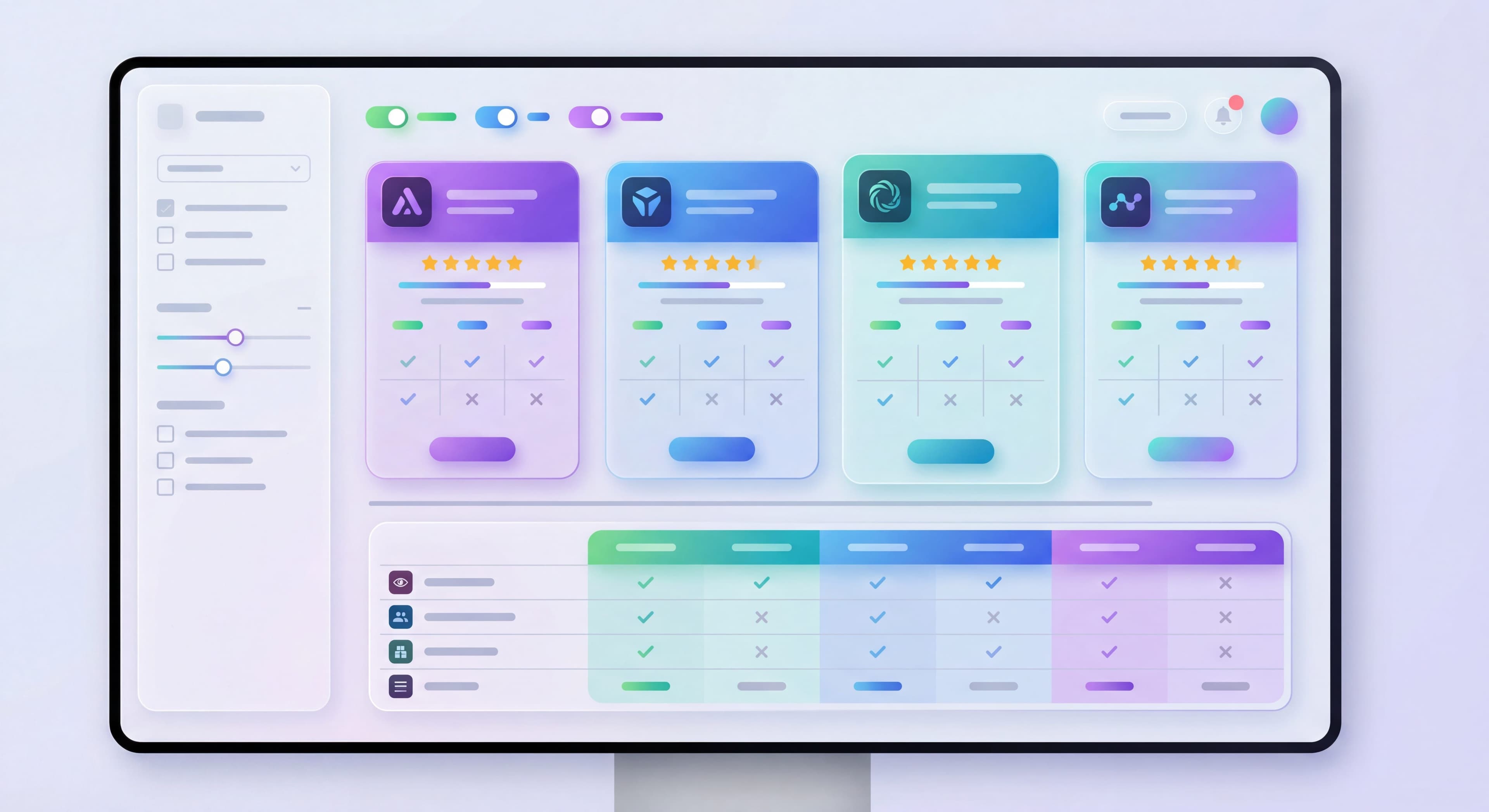

The digital adoption platform (DAP) market has exploded. You can spend six figures annually on enterprise solutions or find startup-friendly tools under $100/month. Pick the right one and you transform onboarding. Pick wrong and you're stuck paying for shelfware nobody uses. Gartner defines a digital adoption platform as software that overlays applications with in-app guidance to drive adoption, proficiency, and engagement. It helps employees and customers learn new technologies without leaving the interface.
The stakes are real: roughly 70% of digital transformation projects fall short, and the problem is rarely the technology itself. It's how people use it. Employees struggle to adopt new tools, so the investment never pays off. A good DAP fills that gap by putting guidance right where users are when they need it.
This guide helps you navigate the market and pick a DAP that actually fits. Maybe you're a startup needing basic onboarding features. Maybe you're an enterprise that requires cross-application orchestration. Either way, let's figure out what makes sense for you.
Platform selection chaotic?
Create step-by-step guides that document your DAP evaluation process and share findings with stakeholders using Glitter AI.
What is a Digital Adoption Platform?
A DAP helps users learn and adopt applications through in-app guidance, walkthroughs, and self-service resources. No code changes to your product required. These platforms sit on top of your existing applications, whether internal systems like ERPs and CRMs or customer-facing SaaS products. They provide help when users need it, where they need it. The overlay approach means you can build sophisticated onboarding without rebuilding your core product or begging engineering for resources.
Core Capabilities
For a tool to qualify as a DAP, it needs to integrate on top of web-based software, offer prompts, tooltips, spotlights, notifications, modals, and tutorials to guide users, and collect behavior data to improve the experience over time. The best DAPs do this without disrupting what users are already trying to do.
In-App Guidance:
- Product tours that walk users through key workflows
- Tooltips and hotspots that provide contextual help
- Interactive walkthroughs that let users learn by doing
- Checklists that guide progress toward activation
- Step-by-step tutorials for complex processes
Self-Service Support:
- Resource centers accessible within the application
- Searchable knowledge bases for on-demand help
- In-app help widgets that reduce support tickets
- Video tutorials embedded at point of need
- FAQ sections contextualized to user location
Analytics:
- Engagement tracking showing which guidance gets used
- Funnel analysis identifying where users drop off
- User behavior insights revealing usage patterns
- Feature adoption metrics tracking which capabilities get adopted
- Completion rates for tours and checklists
Communication:
- Announcements for new features and updates
- Modals and banners for important messages
- In-app messaging for targeted communication
- Survey tools for gathering user feedback
- Notifications timed to user behavior
DAP Categories
Understanding market segmentation helps you figure out what fits your needs and budget. What vendors won't tell you is how differently these tools perform depending on your use case. Internal deployment (ERP, HCM, or CRM adoption) and external deployment (customer onboarding, product tours, in-app support) are very different problems, and the right platform depends on which one you're solving.
Enterprise DAPs:
WalkMe, Whatfix
- Employee training with sophisticated automation
- Cross-application orchestration
- Deep enterprise system integration
- Compliance certifications and security features
- $50K-$400K/year
- Best for Fortune 500 and government
WalkMe works best for large enterprises with complex workflows, offering deep customization for companies managing onboarding across multiple applications. Whatfix does similar things at a lower price point while supporting 70+ languages for global deployments.
Product-Led DAPs:
Pendo, Gainsight PX
- Product analytics first, guidance second
- Customer-facing product focus
- Strong feedback collection
- Good mobile support
- $25K-$150K/year
- Best for SaaS companies wanting usage insights
Pendo started as analytics and added guidance features later. SaaS companies that care about understanding product usage like it for the best-in-class analytics, and the free tier makes it easy to try.
Mid-Market DAPs:
Appcues, Userpilot, Chameleon
- Balance of guidance and analytics features
- Pricing that works for growth-stage companies
- Strong no-code builders
- $3K-$30K/year
- Best for established products wanting better onboarding
This category hits the sweet spot for many SaaS companies. You get professional-grade experiences without enterprise complexity or cost. These platforms tend to have good integration ecosystems and responsive support.
Startup-Friendly DAPs:
UserGuiding, Product Fruits, Userflow
- Best value in the market
- Core features at entry-level pricing
- Quick implementation
- $1K-$10K/year
- Best for early-stage companies and MVPs
UserGuiding and Product Fruits start around $89-100/month with onboarding features, knowledge bases, and good support. They give you essential DAP functionality without the complexity or pricing of bigger platforms. Great for teams that need to prove value before scaling investment.
Key Features to Evaluate
In-App Guidance Features
When evaluating platforms, separate what you need now from what you might need later. Many teams overbuy based on advanced features they won't touch for months or years. Others underbuy and face expensive migration costs when they outgrow the platform.
Essential Features:
- Product tours for core functionality
- Tooltips for contextual help
- Checklists guiding users toward activation
- Modals and banners for announcements
- Progress indicators showing completion
These basics should work flawlessly and be easy to implement. If a platform can't nail the fundamentals, the advanced stuff won't matter. During evaluation, actually build a simple tour in each platform. The difference in ease of use shows up fast.
Advanced Features:
- Branching logic adapting tours based on responses
- Conditional targeting using behavioral and demographic data
- A/B testing for conversion optimization
- Interactive walkthroughs requiring user actions
- Multi-step flows across sessions
- Smart delays based on user activity
These unlock real value but need more sophisticated implementation and ongoing work. Ask yourself honestly whether your team has resources to use these capabilities before paying premium prices for them.
Targeting and Segmentation
Questions:
- Can you target by user attributes?
- Can you trigger based on behavior?
- Are segments unlimited or limited?
- How granular is targeting?
Analytics
Essential:
- Flow completion rates
- Step-by-step engagement
- Basic funnel tracking
Advanced:
- Feature adoption analytics
- Path analysis
- Session recordings
- Correlation analysis
Integration Capabilities
Critical:
- Your analytics platform (Amplitude, Mixpanel)
- Your CRM (Salesforce, HubSpot)
- Your CDP (Segment)
- Your support tool (Intercom, Zendesk)
Resource Center
Consider:
- Is it included or extra?
- How customizable?
- Does it include knowledge base?
- Search functionality?
Mobile Support
If You Have Mobile Apps:
- Does platform support iOS/Android?
- Is it native SDK or web wrapper?
- Feature parity with web?
Platforms with Mobile:
- Appcues (iOS, Android, React Native)
- Pendo (iOS, Android)
Pricing Considerations
Pricing Models
MAU-Based:
Price scales with Monthly Active Users
- Better for lower-engagement products
- Watch for overage charges
MTU-Based:
Monthly Tracked Users (similar to MAU)
- Common in enterprise tools
- May count differently
Flat Rate:
Fixed price regardless of users
- Predictable budgeting
- May be inefficient at scale
Price Ranges (2026)
| Tier | Annual Cost | Typical Platforms |
|---|---|---|
| Startup | $1K-$5K | UserGuiding, Product Fruits |
| Growth | $5K-$20K | Appcues, Userpilot, Userflow |
| Scale | $20K-$50K | Pendo Growth, Chameleon Growth |
| Enterprise | $50K-$400K+ | WalkMe, Pendo Enterprise, Whatfix |
Hidden Costs
Implementation:
Professional services for complex deployments
Overage Fees:
Exceeding MAU limits
Feature Unlocks:
A/B testing, analytics often on higher tiers
Training:
Getting team up to speed
Evaluation Criteria
Must-Have vs Nice-to-Have
Define Your Requirements:
| Requirement | Must-Have | Nice-to-Have |
|---|---|---|
| Product tours | ✓ | |
| Mobile support | ✓ | |
| A/B testing | ✓ | |
| Resource center | ✓ | |
| Advanced analytics | ✓ |
Scoring Framework
Score each platform (1-5) on:
Functionality:
- Does it do what you need?
- Missing critical features?
Ease of Use:
- Can your team learn it?
- No-code vs. low-code?
Integration:
- Works with your stack?
- Data flows both ways?
Pricing:
- Fits your budget?
- Scales appropriately?
Support:
- Responsive support team?
- Good documentation?
Trial Recommendations
Before committing:
- Get hands-on trial access
- Build a real onboarding flow
- Test with internal users
- Verify integration works
- Calculate true cost at scale
Training new team members?
Create step-by-step training guides that get new hires productive on your adoption tools faster with Glitter AI.
Platform Comparison Summary
Enterprise Employee Training
WalkMe:
- Pros: Most comprehensive automation, FedRAMP, SAP ownership
- Cons: High cost ($79K median), complexity
- Best for: Fortune 500, government, complex enterprise software
Whatfix:
- Pros: 70+ language support, more affordable than WalkMe
- Cons: Less automation depth, smaller company
- Best for: Global deployments, enterprise with budget sensitivity
Product Analytics + Guidance
Pendo:
- Pros: Best-in-class analytics, free tier, mobile support
- Cons: Guide builder less intuitive, expensive at scale
- Best for: Data-driven product teams with analytics needs
Training taking too long?
Create step-by-step guides that get users productive faster with Glitter AI.
Balanced Feature Set
Appcues:
- Pros: Pioneer, polished UX, mobile support, strong integrations
- Cons: Segment limits on lower tier, no resource center
- Best for: Mobile products, integration-heavy stacks
Userpilot:
- Pros: Great analytics, resource center, unlimited segments
- Cons: No mobile, steeper learning curve
- Best for: Data-driven teams without mobile apps
Value-Focused
UserGuiding:
- Pros: Best value at $89/month, excellent support, knowledge base
- Cons: No mobile, smaller company
- Best for: Startups, budget-conscious teams
Product Fruits:
- Pros: AI-assisted content, knowledge base, competitive pricing
- Cons: No mobile, requires sales call for pricing
- Best for: Teams wanting AI features and knowledge base
Userflow:
- Pros: Fastest builder, clean UX, resource center
- Cons: No mobile, less advanced analytics
- Best for: Teams prioritizing build speed
Deep Customization
Chameleon:
- Pros: Maximum customization, premium animations
- Cons: Steeper learning curve, no mobile, CSS knowledge helpful
- Best for: Design-conscious teams with CSS resources
Decision Framework
Use This Process:
Step 1: Define Use Case
- Employee training or customer onboarding?
- Web only or mobile too?
- Simple guidance or advanced automation?
Step 2: Establish Budget
- What can you spend annually?
- What's the expected ROI?
- How will costs scale?
Step 3: List Requirements
- Must-have features
- Nice-to-have features
- Integration requirements
- Team capability
Step 4: Shortlist
- 2-3 platforms matching requirements
- Within budget range
- Good fit for use case
Step 5: Evaluate
- Request trials
- Build test flows
- Assess team adoption
- Verify integrations
Step 6: Decide
- Score against criteria
- Factor in long-term fit
- Consider support quality
- Make decision
Training taking too long?
Create step-by-step guides that get users productive faster with Glitter AI.
Common Selection Mistakes
Overbuying
Mistake: Purchasing enterprise tool for simple needs
Result: Paying for unused features, complexity
Underbuying
Mistake: Starting with cheapest option despite complex needs
Result: Outgrowing quickly, migration cost
Ignoring Integration
Mistake: Not verifying integration with existing tools
Result: Data silos, manual work, poor targeting
Skipping Trial
Mistake: Buying based on demos alone
Result: Surprises in real-world use
Not Considering Scale
Mistake: Choosing based on current needs only
Result: Expensive switching when you grow
Implementation Considerations
Team Requirements
Who Will Build Flows:
- Marketing? Product? Success?
- Technical skill level?
- Available time?
Who Will Maintain:
- Ongoing optimization owner?
- Analytics reviewer?
- Content updater?
Implementation Timeline
Simple (1-2 weeks):
- Install snippet
- Build basic tour
- Launch to users
Standard (2-4 weeks):
- Integration setup
- Multiple flows
- Targeting configuration
- Analytics baseline
Complex (1-3 months):
- Enterprise security review
- Multiple applications
- Custom integrations
- Team training
Questions to Ask Vendors
About the Product
- What's your activation/onboarding process?
- How do you handle mobile/native apps?
- What analytics are included vs. extra?
- How does A/B testing work?
About Pricing
- What's included at each tier?
- How do MAU overages work?
- Are there implementation fees?
- What's the contract minimum?
About Support
- What support is included?
- What's your typical response time?
- Do you offer implementation help?
- What training resources exist?
About Integration
- How does your Segment integration work?
- Can you sync data bidirectionally?
- What's the API capability?
- Any integration limitations?
The Bottom Line
The right DAP depends on your specific needs, budget, and team. Enterprise tools aren't necessary for most SaaS products. Startup tools may not scale for complex needs.
Recommended Approach:
- Be honest about what you actually need
- Start at the appropriate tier, don't overbuy
- Prioritize ease of use for your team
- Verify integrations before signing anything
- Plan for growth, but don't pay for it early
The best platform is the one your team will actually use. Features on paper mean nothing if nobody builds with them.
Continue learning: No-Code Onboarding Tools and Implementing Your First Product Tour.
Frequently Asked Questions
What is a digital adoption platform (DAP)?
A digital adoption platform is software that helps users learn and adopt applications through in-app guidance, walkthroughs, checklists, and self-service resources without requiring code changes to your product.
How much does a digital adoption platform cost?
DAP pricing varies by tier: startup-friendly tools cost $1K-$5K annually (UserGuiding, Product Fruits), mid-market platforms run $5K-$30K (Appcues, Userpilot), and enterprise solutions range from $50K-$400K+ per year (WalkMe, Pendo Enterprise).
What features should I look for when selecting a DAP for SaaS?
Essential features include product tours, tooltips, checklists, targeting/segmentation, and basic analytics. Advanced features to consider are A/B testing, resource centers, mobile support, session recordings, and integrations with your existing analytics and CRM tools.
Which digital adoption platform is best for startups?
UserGuiding and Product Fruits offer the best value for startups, starting around $89-100/month with core onboarding features, knowledge bases, and excellent support. They provide essential DAP functionality without enterprise complexity or pricing.
What are common mistakes when choosing onboarding software?
Common mistakes include overbuying enterprise tools for simple needs, underbuying and outgrowing quickly, ignoring integration requirements, skipping hands-on trials, and not considering how costs scale with user growth.