The Future of Product Onboarding: 2025 and Beyond
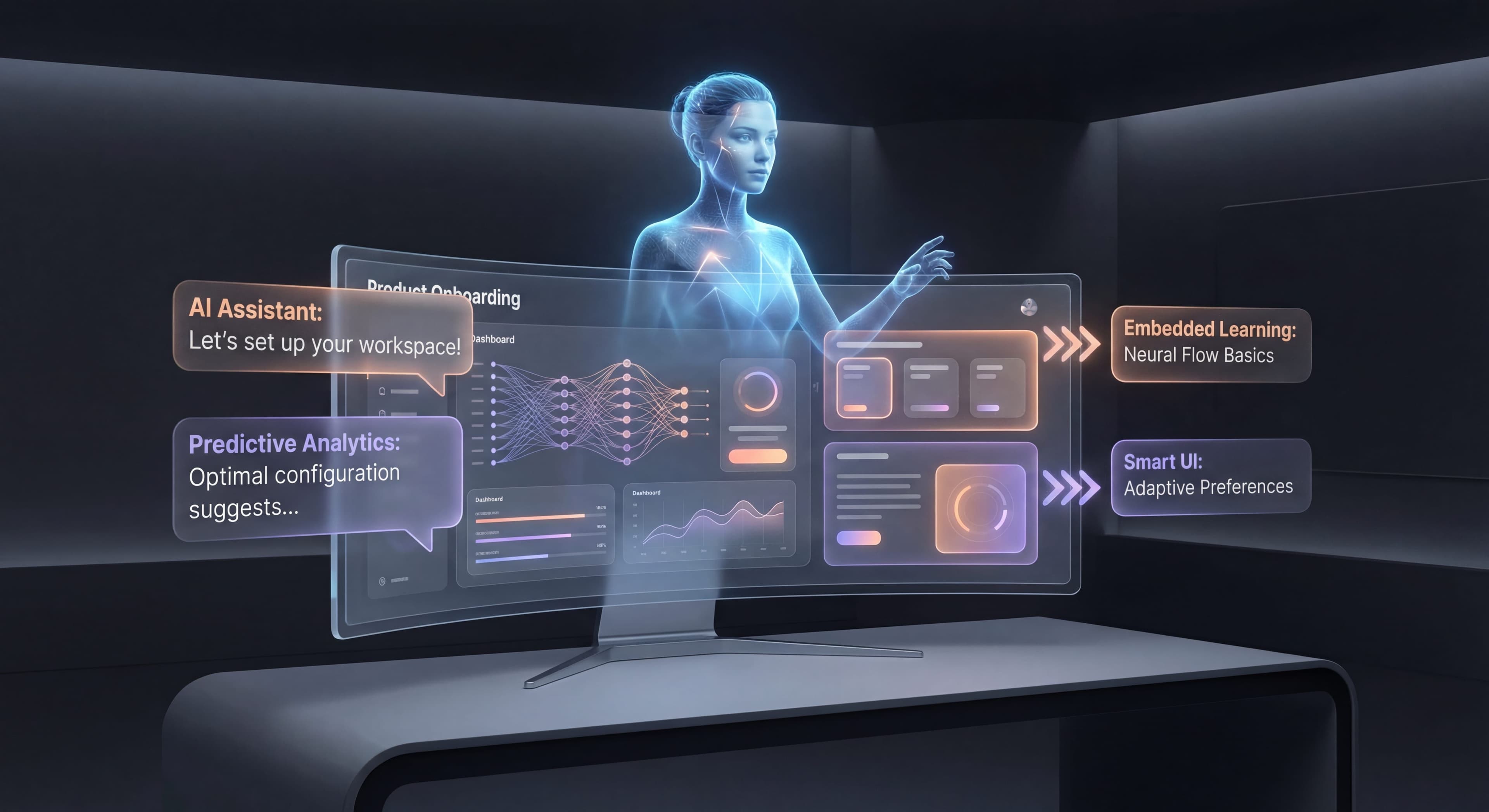

The basics of good onboarding won't change. Help users reach value quickly. That's always going to matter. But the tools, techniques, and what users expect? Those keep evolving. Knowing where things are headed helps you prepare and make smarter decisions right now.
This guide looks at the trends shaping the future of product onboarding and what you can do to get ready.
Current State: 2025
What's Standard Now
Table Stakes:
- Product tours and tooltips
- Onboarding checklists
- Email sequences
- In-app messaging
- Basic segmentation
Emerging:
- AI-assisted content creation
- Predictive analytics
- Advanced personalization
- No-code implementation
- Deep analytics integration
Market Maturity
The Onboarding Tool Market:
- Established players (Pendo, WalkMe, Whatfix)
- Growth-stage competitors (Userpilot, Appcues)
- Emerging innovators (Userflow, Chameleon)
- Consolidation beginning
User Expectations:
- Good onboarding is expected, not a differentiator
- Poor onboarding drives immediate churn
- Personalization is increasingly expected
- Mobile-first growing in importance
Trend 1: AI-Powered Personalization
Where We Are
Right now, AI in onboarding is mostly about experimentation, not mature implementation. Most teams use AI mainly for help with content, things like using ChatGPT to draft onboarding copy, write tutorial scripts, or generate FAQ answers that humans then polish up. Basic prediction models can spot users who might churn based on simple signals like login frequency or feature usage, but these models usually aren't sophisticated enough to recommend specific interventions. Automated segmentation groups users by demographics or whatever they selected during signup, and simple personalization shows different content based on those predetermined segments. This all represents real progress from doing everything manually, but honestly, it barely scratches the surface of what AI will be able to do soon.
Where We're Going
Between 2025 and 2027, onboarding is going to change dramatically. AI capabilities are advancing fast, and what's coming will feel almost magical compared to what we have now. With 81 percent of organizations planning to invest in onboarding technology by 2025, this shift is already happening at forward-thinking companies. Research shows AI-driven user onboarding has become a real competitive advantage, with modern AI-enabled onboarding delivering personalized experiences that understand a user's role and get them to their first aha moment in under five minutes.
Adaptive flows are the first big shift. These are onboarding experiences that adjust in real-time based on how users actually behave, not following a predetermined script. When someone struggles, shown by repeated errors, taking too long on steps, or accessing help docs, the AI automatically offers more guidance through tooltips, simpler explanations, or human help. Power users who fly through the basics get fast-tracked to advanced features, skipping the elementary stuff that would just bore them. Content adapts to detected learning styles: visual tutorials for users who linger on screenshots, detailed text for those who read carefully, hands-on practice for people who immediately start clicking around. This real-time adaptation makes experiences feel personally crafted even though they're completely automated.
Predictive intervention uses AI to spot at-risk users before they churn, so you can reach out while recovery is still possible instead of scrambling after they've already given up. Early warning signals combine dozens of behavioral indicators into risk scores that trigger interventions. Incomplete onboarding steps, declining engagement, frustrated interactions, feature confusion, patterns that historically predict churn. The AI recommends specific actions based on what's probably causing the risk: confused users get targeted education, users without clear use cases get inspiration and examples, users hitting technical barriers get priority support. Re-engagement campaigns reach dormant users with messages that address their specific reasons for disengaging, not generic "we miss you" emails.
Generated personalization goes beyond picking from pre-written content libraries to creating new onboarding materials tailored to each user's context on the fly. Healthcare clients see HIPAA-relevant examples. E-commerce customers get retail-specific guidance. Manufacturing users encounter industry-appropriate use cases. All without anyone on your content team doing manual customization. Language adjusts based on whether someone identifies as an executive, analyst, or frontline worker. Flows reorganize to prioritize features relevant to stated goals. This hyper-personalization achieves what used to be impossible at scale: truly bespoke onboarding for every user without exponentially growing your content creation workload.
Implications
What to Do Now:
- Build data infrastructure for personalization
- Experiment with AI-assisted content
- Create modular content for recombination
- Track the signals that predict success
What to Watch:
- LLM integration in onboarding tools
- Real-time personalization capabilities
- Privacy-preserving personalization
Trend 2: Conversational Onboarding
Where We Are
Most onboarding today relies on text-based tours and tooltips that present information in a line without any real dialogue. Interactivity is limited. Users can click "next" or "skip" but can't ask questions, request clarification, or explore related topics that come up naturally while learning. Communication flows one way, from product to user, with predetermined content that assumes everyone has the same questions. Chatbots exist mostly for support, responding when users explicitly ask something rather than anticipating needs or offering help proactively during critical moments. While this is better than static documentation, it feels mechanical compared to the conversational experiences users now expect after interacting with advanced AI assistants elsewhere.
Where We're Going
Onboarding is moving toward genuinely conversational interfaces where AI copilots guide users through products using natural language that feels similar to learning from a knowledgeable colleague. Already, 45 percent of HR professionals use AI-driven onboarding, with another 25 percent planning to start soon. The conversational AI market is expected to grow from 13.2 billion dollars in 2024 to 49.9 billion by 2030, reflecting the massive investment pouring into technologies that will change how products communicate with users.
AI copilots are the most visible piece of this trend. They provide conversational help that responds to what users want to do rather than forcing them to navigate menus or search documentation. When someone says "I want to create a report showing sales by region," the copilot has a conversation to understand requirements, clarify anything unclear, and provide step-by-step guidance for that specific task. It asks follow-up questions when needed, suggests best practices, and adjusts explanations based on whether the user seems to get it or is confused. The experience feels collaborative rather than instructional, with the AI meeting users where they are instead of pushing them down rigid paths.
Natural language commands are evolving beyond simple questions to let users complete tasks through conversation instead of clicking around. Someone can describe what they want: "Send a welcome email to new signups when they create their first project." The AI translates that into configured automations, database queries, or multi-step processes. It shows what it's setting up, explains the logic, and teaches through doing rather than requiring users to learn the interface first. This flips traditional onboarding. Users accomplish real work immediately while learning the platform through hands-on experience with AI helping along the way.
Voice-first experiences bring conversational onboarding to mobile and embedded products where typing is awkward or impossible. Voice-guided setup lets people configure devices, apps, or accounts hands-free, which is especially useful during physical setup when they can't easily tap on screens. Hands-free onboarding supports contexts where users need to learn while doing other things. Beyond convenience, voice interfaces make products far more accessible for users with visual impairments, motor difficulties, or other challenges that make graphical interfaces frustrating. Multimodal interfaces combine voice, text, video, and gestures to create more intuitive interactions that adapt to preferences and situations.
Implications
What to Do Now:
- Consider conversational interfaces
- Design for natural language interaction
- Structure content for AI retrieval
- Build flexible task completion paths
What to Watch:
- Voice AI integration
- Multimodal AI (text + voice + visual)
- Conversational UI patterns emerging
Trend 3: Hyper-Contextual Guidance
Where We Are
Current Targeting:
- Page-based triggers
- Segment-based content
- Time-based sequences
- Basic behavioral triggers
Where We're Going
Context-Aware Intelligence:
Intent Detection:
Understanding what user is trying to accomplish.
User is on pricing page + came from competitor comparison
→ Show competitive differentiation content

User is in settings + searched for "integrate"
→ Offer integration setup help
Situation-Aware Guidance:
Adapting to user's current state.
User has connected Salesforce but data isn't syncing
→ Proactive troubleshooting guidance

User completed task for first time
→ Celebration + next suggestion
Cross-Product Intelligence:
Learning from user behavior across products.
User is advanced in other tools
→ Skip basic explanations

User struggled with similar feature elsewhere
→ Provide more detailed guidance
Implications
What to Do Now:
- Enrich user context data
- Map intent signals
- Build contextual content library
- Integrate data sources
What to Watch:
- Cross-product analytics
- Intent prediction accuracy
- Privacy regulations evolving
Trend 4: Embedded Learning
Where We Are
Current Learning:
- Separate from product (docs, videos)
- Point-in-time (tours at start)
- Passive consumption
- One-size-fits-all
Where We're Going
Learning Integrated into Work:
Just-in-Time Learning:
Education exactly when needed, not before.
User attempts advanced feature
→ Micro-learning appears
→ User learns by doing
→ Returns to task
Continuous Skill Building:
Product helps users improve over time.
Based on your usage, here are skills to develop:
• Advanced reporting (30% efficiency gain)
• Automation setup (save 2 hrs/week)
[Start learning]
Peer Learning:
Learning from other users' patterns.
"Users like you also use [feature] for [use case].
Want to see how they do it?"
Implications
What to Do Now:
- Create modular learning content
- Track skill progression
- Map learning to value
- Build expertise indicators
What to Watch:
- Skill-based product design
- Learning experience platforms merging with products
- Credential and certification integration
Trend 5: Community-Driven Onboarding
Where We Are
Current State:
- Vendor-created content
- Support-driven help
- Occasional community forums
- User-generated content rare in onboarding
Where We're Going
Community as Onboarding Resource:
Peer Guidance:
"Sarah, a product manager like you, recommends
starting with [workflow]. See her setup."

[View Sarah's template] [Ask Sarah a question]
Community Content:
Most popular community guides for your role:
1. "How I onboarded my team in 3 days"
2. "Advanced reporting setup walkthrough"
3. "Integration best practices"
Mentorship Integration:
Connecting new users with experienced ones.
Connect with a mentor?
[Alex - Marketing Operations - 2 years using product]
[Schedule 15 min intro call]
Implications
What to Do Now:
- Build community infrastructure
- Identify and nurture power users
- Create contribution incentives
- Integrate community into product
What to Watch:
- Community platform evolution
- User-generated content quality
- Incentive model innovations
Trend 6: No-Code Dominance
Where We Are
Current State:
- Most tools offer no-code building
- Engineering still needed for advanced use
- Some learning curve remains
- Analytics often separate
Where We're Going
True No-Code:
Anyone Can Build:
Non-technical team members create sophisticated flows.
- Visual builders more intuitive
- AI assists with configuration
- Testing and optimization built-in
- Analytics integrated seamlessly
Self-Optimizing:
Your "Welcome Tour" has 65% completion.
Suggested improvements:
• Shorten Step 3 (high drop-off)
• Change CTA copy (tested better elsewhere)
[Apply suggestions] [Review manually]
Embedded Capabilities:
No-code onboarding built into product platforms.
- Shopify apps with onboarding
- Salesforce with guided setup
- Platform-native tools
Implications
What to Do Now:
- Evaluate no-code tools seriously
- Reduce engineering dependencies
- Empower product/marketing teams
- Build reusable component libraries
What to Watch:
- AI-powered no-code tools
- Platform-native onboarding
- Build vs. buy economics shifting
Trend 7: Privacy-First Design
Where We Are
Current State:
- GDPR/CCPA compliance required
- Cookie consent standard
- Data minimization emerging
- Personalization vs. privacy tension
Where We're Going
Privacy-Preserving Personalization:
On-Device Processing:
Personalization without sending data to servers.
- Local ML models
- Privacy-preserving analytics
- User-controlled preferences
Transparent Data Use:
Personalization settings:
[x] Use my activity to improve recommendations
[ ] Share anonymized data for product improvement
[x] Remember my preferences

[See what data we use] [Export my data]
Consent-Integrated Onboarding:
Making privacy choices part of setup.
Step 1: Set up your profile
Step 2: Choose your privacy preferences
Step 3: Customize your experience
Implications
What to Do Now:
- Audit data collection practices
- Build consent management
- Explore privacy-preserving techniques
- Make privacy a feature, not burden
What to Watch:
- Privacy regulation evolution
- Privacy-tech innovation
- User expectations shifting
Preparing for the Future
Strategic Priorities
Invest In:
-
Data Infrastructure
- Clean, unified user data
- Event tracking foundation
- Analytics capabilities
-
Content Flexibility
- Modular, reusable content
- Multi-format support
- Easy localization
-
Team Capabilities
- No-code tool proficiency
- Data literacy
- Experimentation culture
-
User Understanding
- Deep user research
- Behavioral analytics
- Feedback systems
Avoid Over-Investing In
Don't Bet Too Heavily On:
- Any single AI solution (evolving fast)
- Complex custom implementations (tools catching up)
- One interaction paradigm (diversifying)
Build for Adaptability
Future-Proof Principles:
- Data > specific tools
- Flexibility > optimization
- User value > technology
- Measurement > assumption
The Constants
What Won't Change
Even with all the technological change reshaping how onboarding gets delivered, certain things about human psychology and business dynamics stay constant. Users will always want to accomplish meaningful goals rather than wander through features. They judge products by whether they actually solve problems and deliver promised outcomes. This goal-orientation means onboarding has to stay focused on helping users achieve what they came for, not showcasing capabilities in the abstract. Friction still kills adoption no matter how sophisticated the technology gets. Every unnecessary step, confusing choice, or moment of uncertainty pushes users toward giving up. Simplicity and clarity never go out of style.
Value has to be obvious and experienced directly, not described theoretically or promised eventually. No amount of AI personalization or conversational interface sophistication will save onboarding that fails to show concrete value quickly and unmistakably. Users who experience tangible benefits stick around. Users wondering if value exists somewhere, if they just click a few more buttons, inevitably churn. Time remains precious and increasingly scarce when countless products compete for limited attention. Onboarding that respects time by being concise, efficient, and immediately valuable earns loyalty. Bloated experiences that waste time through unnecessary complexity or delayed gratification breed resentment regardless of how technically impressive they are.
Business fundamentals persist too. Activation drives revenue whether achieved through manual tutorials, automated tours, or AI copilots. The mechanism matters less than users reaching productive engagement. Retention requires continuous value delivery, not just impressive first impressions that fade when ongoing usage proves frustrating. Measurement enables improvement by creating feedback loops that reveal what works and what doesn't, enabling systematic optimization instead of guessing. Competition demands excellence because users evaluate products comparatively, choosing alternatives when onboarding proves inferior.
The core job of onboarding transcends implementation details. Help users succeed by removing obstacles, providing guidance, and creating clear paths. Show value quickly because delayed gratification rarely wins when alternatives promise faster results. Remove obstacles by systematically identifying and eliminating friction. Adapt to needs by recognizing user diversity and customizing experiences for different backgrounds, goals, and contexts. These principles worked with punch cards, command lines, graphical interfaces, mobile apps, and voice assistants. They'll remain relevant no matter what comes next.
Technology Changes, Principles Don't
The tools for delivering onboarding will keep evolving as AI gets smarter, interfaces diversify, and expectations shift. AI will move from narrow assistance to genuine understanding of what users want, their context, even their emotional state. Interfaces will shift from mostly visual and click-based to increasingly conversational, voice-driven, gestural, and potentially neural as brain-computer interfaces develop. Privacy expectations and regulations will keep tightening, requiring new approaches to personalization that deliver customization without surveillance.
But underneath all this, the fundamental job stays the same: helping users reach value as quickly as possible with minimal friction and maximum clarity. This job existed when software came on floppy disks with printed manuals. It persists through today's web-based SaaS apps. It'll endure through whatever comes next. Technology changes how we accomplish the job but doesn't change what the job is, creating first experiences that transform skeptical trial users into activated customers who've experienced enough value to keep investing their time, attention, and money. Companies that maintain focus on this purpose while adapting to use emerging capabilities will do well regardless of technological disruption.
The Bottom Line
The future of onboarding is more personalized, smarter, more integrated, and more privacy-conscious. But success isn't about chasing every trend. It's about building foundations that let you adapt.
Key Principles:
- Focus on user outcomes, not technology for its own sake
- Build flexible, data-rich foundations
- Experiment with emerging capabilities
- Treat privacy as a core value, not an afterthought
- Remember that fundamentals persist
The best preparation for the future of onboarding is getting the fundamentals right, helping users succeed, while staying flexible enough to adopt new capabilities as they mature.
This concludes our comprehensive guide to product onboarding. Explore our complete onboarding guide or browse all topics in our resource center.
Frequently Asked Questions
What are the top onboarding trends for 2025 and beyond?
Key trends include AI-powered personalization with adaptive flows, conversational onboarding with AI copilots, hyper-contextual guidance based on intent detection, embedded just-in-time learning, community-driven onboarding, no-code tool dominance, and privacy-first design approaches.
How will AI change product onboarding?
AI will enable adaptive flows that adjust in real-time based on behavior, predictive intervention identifying at-risk users before churn, and generated personalization creating industry-specific examples and role-appropriate content. Users will experience more relevant, personalized onboarding without manual segmentation.
What is conversational onboarding?
Conversational onboarding uses AI copilots to guide users through products via natural language interaction. Instead of clicking through tours, users can ask questions and accomplish tasks by describing what they want, with the AI providing interactive guidance and even executing commands.
How should I prepare for next-generation onboarding?
Invest in data infrastructure for personalization, create modular and reusable content, build team capabilities in no-code tools and experimentation, and develop deep user understanding through research and analytics. Build for adaptability rather than betting heavily on any single AI solution.
What onboarding fundamentals will remain constant despite new technology?
Users will always want to accomplish goals with minimal friction, value must be obvious, and time is precious. The core job of helping users succeed and reach value quickly remains unchanged. Technology changes the tools, but the principles of effective onboarding persist.